PC Remote — Cross-Platform Remote Desktop
Creator / Software Architect & Lead Developer
Since 2026
Key Achievements
- Architected and developed an independent remote desktop platform supporting Windows and macOS as both hosts and viewers, with Android remote control support.
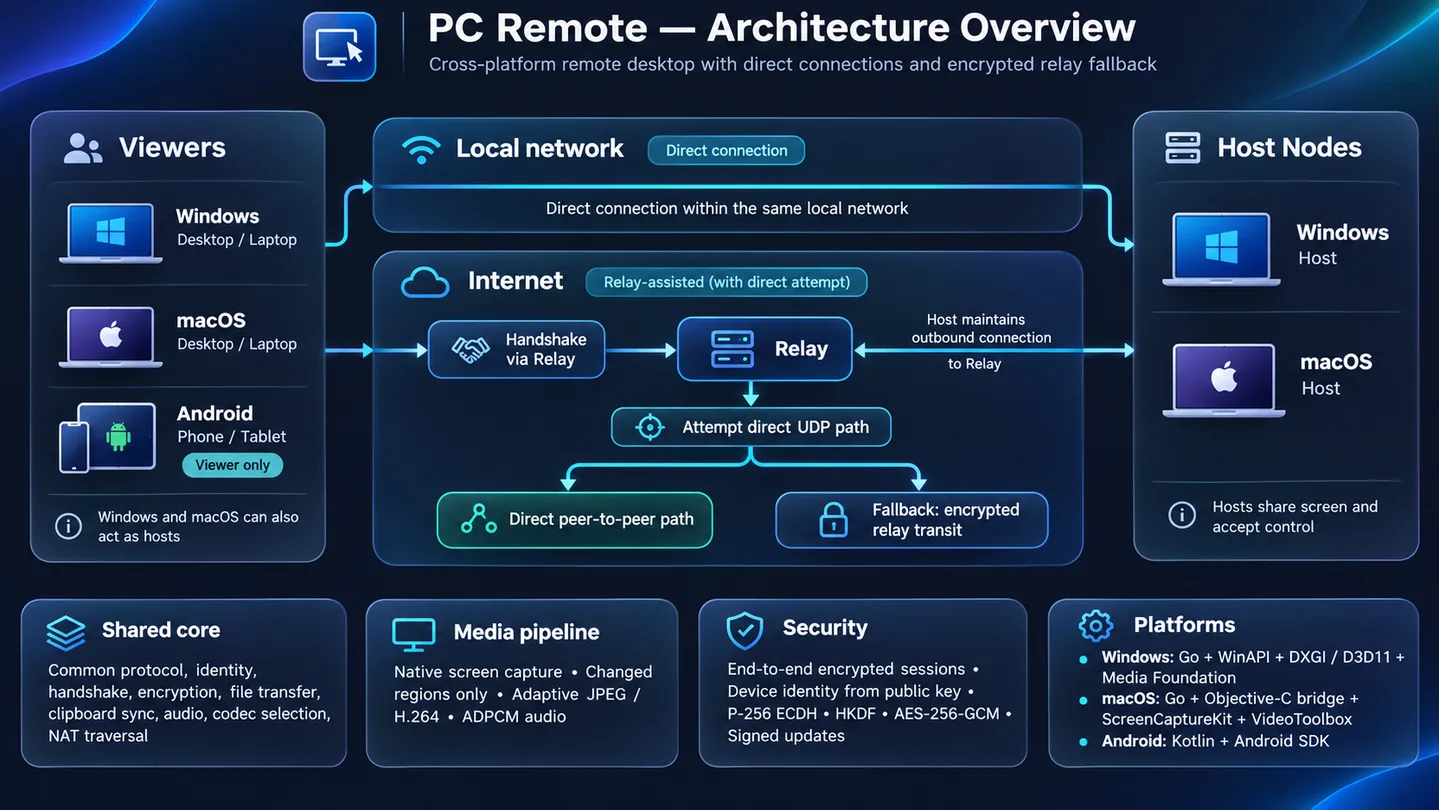
- Implemented a shared Go-based networking and protocol layer with native platform-specific integrations and a lightweight Kotlin Android client without third-party runtime dependencies.
- Built performance-oriented screen capture pipelines using DXGI/Direct3D 11 on Windows and ScreenCaptureKit on macOS, transmitting only changed screen regions.
- Developed adaptive JPEG/H.264 screen transmission with native video encoding and separate communication channels for control, screen data, files, and audio.
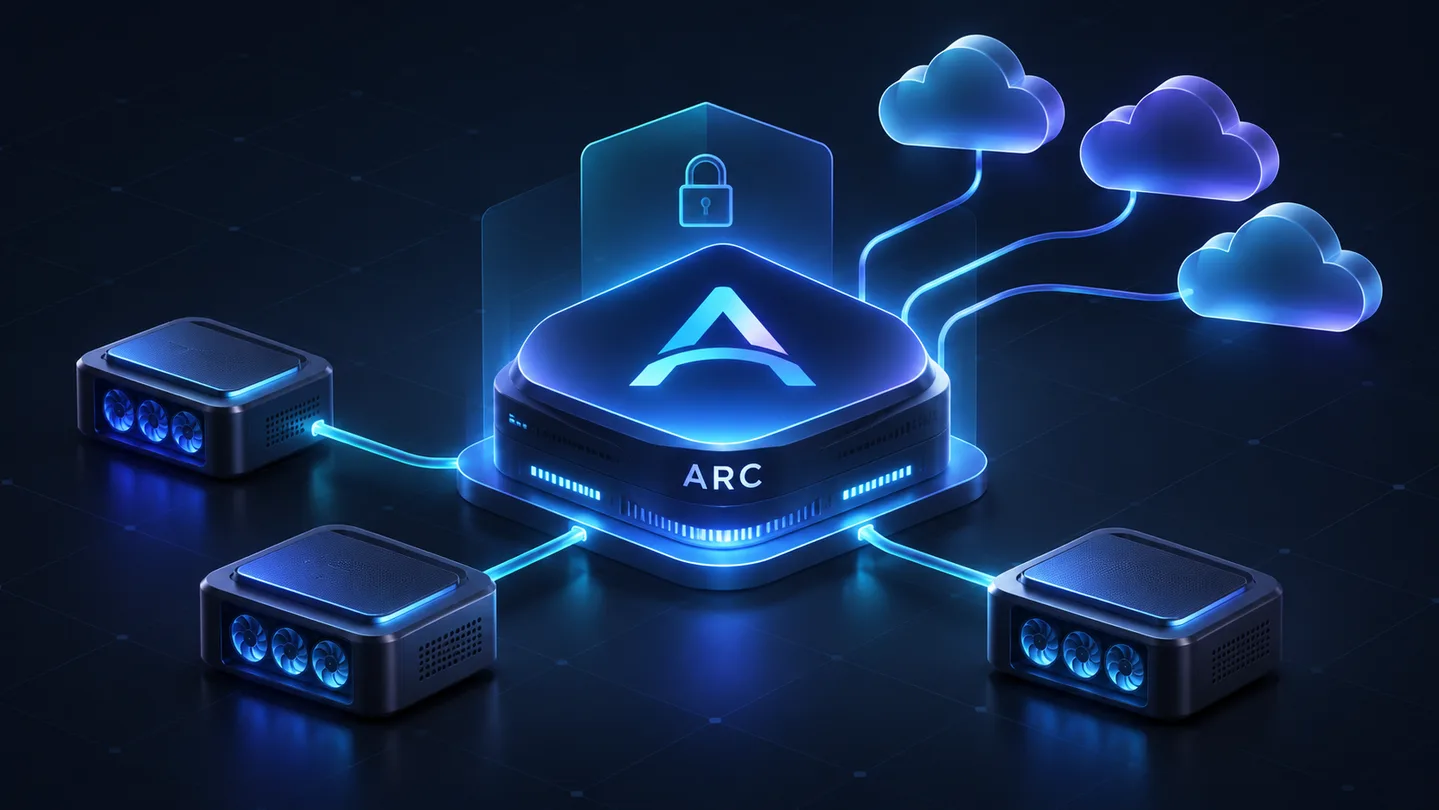
- Designed direct LAN connectivity, peer-to-peer connection attempts across the internet, and encrypted relay fallback for environments where direct connections are unavailable.
- Implemented cryptographic device identity, authenticated key establishment, and end-to-end encrypted communication using P-256 and AES-256-GCM.
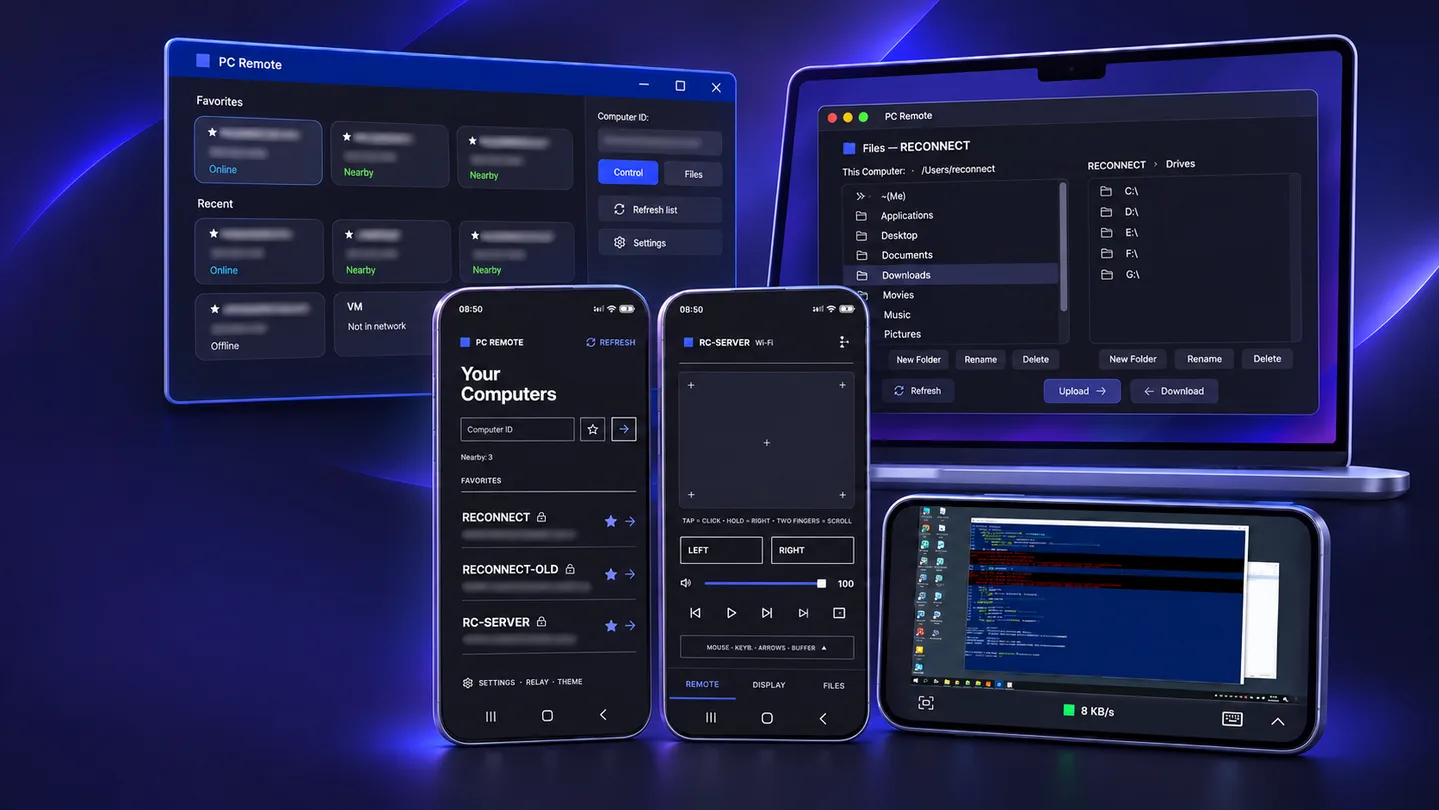
- Integrated file transfer, clipboard synchronization, remote audio, and multi-monitor capabilities into a cross-platform remote control experience.
- Developed a lightweight Linux relay infrastructure and signed Windows update mechanism, minimizing third-party dependencies and deployment complexity.
- Achieved improved responsiveness and connection stability in selected internal comparisons with established remote desktop applications.
Details
PC Remote — Fast, Reliable Remote Access
PC Remote is an independently developed, cross-platform remote desktop solution designed to deliver responsive, reliable remote computer access without unnecessary software overhead.
Created as an alternative to commercial remote desktop applications, the platform combines native operating system APIs, adaptive screen transmission, secure communications, and intelligent connection establishment.
The application is built around a simple goal: make controlling a remote computer feel as close as possible to working directly on it.
Native Cross-Platform Architecture
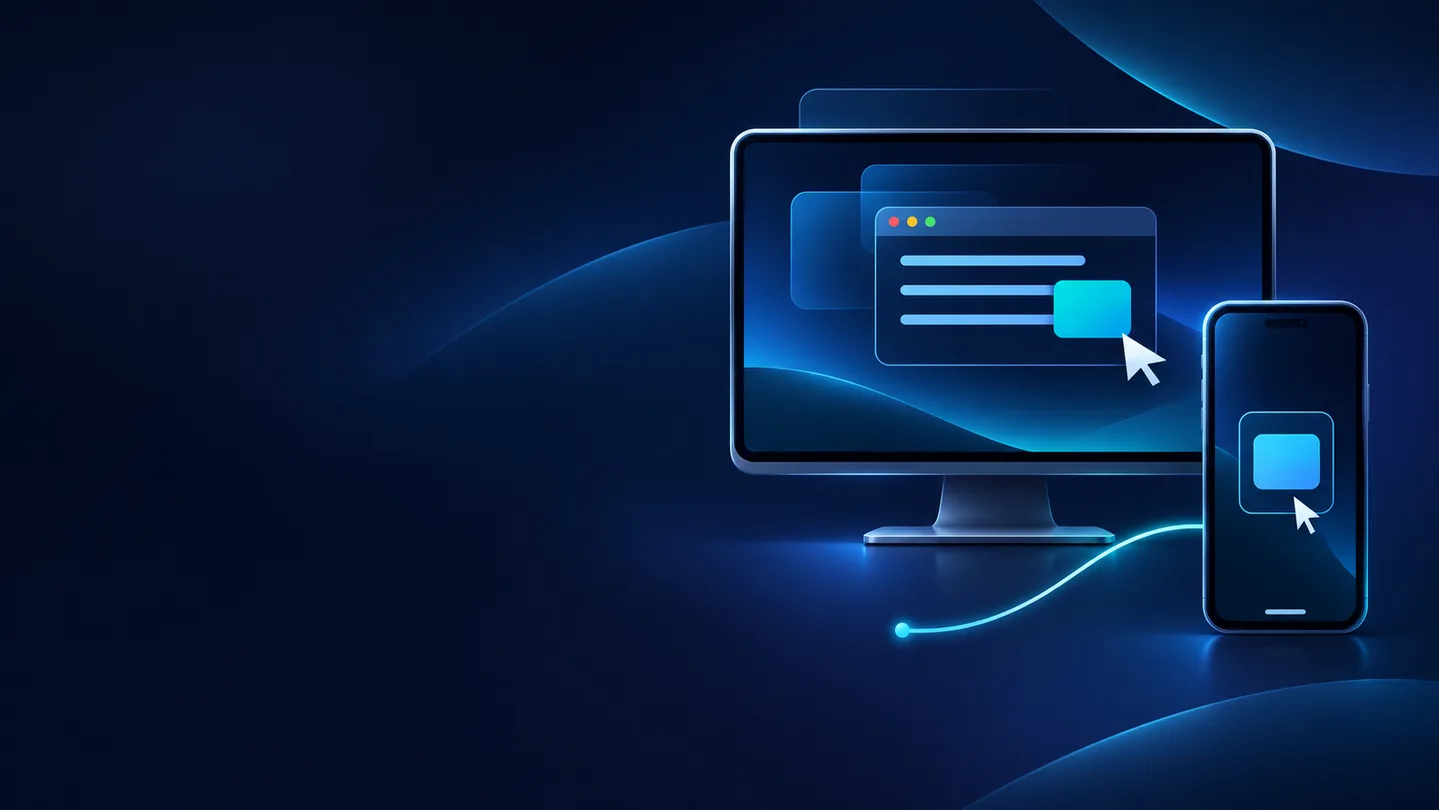
PC Remote currently supports Windows, macOS, and Android, with each platform implemented using its native APIs and development tools.
Windows and macOS can both share their desktops and control other computers. Android provides mobile remote control, while iOS support is planned for a future release.
The desktop applications use Go for shared networking and protocol logic, with native Windows APIs and macOS frameworks handling operating-system-specific functionality. The Android application is implemented in Kotlin using the Android SDK without third-party runtime dependencies.
Performance-Oriented Screen Transmission
Efficient screen capture and encoding are central to the platform.
On Windows, PC Remote uses DXGI and Direct3D 11 for screen capture, with GDI as a fallback. On macOS, ScreenCaptureKit provides native display capture.
Only changed screen regions are transmitted, reducing unnecessary processing and network traffic.
An adaptive encoding strategy selects between optimized JPEG-based transmission and H.264 according to connection conditions. Native media frameworks provide video encoding capabilities.
Screen data, control commands, file transfers, and audio are handled through separate communication channels to reduce interference between interactive and bulk operations.
Direct Connections and Relay Fallback
PC Remote prioritizes direct communication whenever possible.
Devices on the same local network can connect directly. For remote connections over the internet, the system uses a lightweight relay infrastructure to establish connectivity, while attempting a direct peer-to-peer path when network conditions allow.
When a direct path is unavailable, communication continues through the relay.
This architecture balances connection availability with the performance benefits of direct communication.
Security and Device Identity
Communication is protected by end-to-end authenticated encryption using established cryptographic primitives, including elliptic-curve key exchange and AES-256-GCM.
Each computer has a cryptographic identity associated with its public key, allowing clients to verify the remote endpoint independently of the relay infrastructure.
The relay forwards encrypted traffic without access to session plaintext.
The platform also incorporates connection authorization, password-based access controls, and signed update metadata.
Beyond Screen Sharing
PC Remote supports more than basic screen viewing and mouse control.
Its capabilities include file transfer, clipboard synchronization, remote audio, and multi-monitor operation.
The architecture separates shared protocol components from platform-specific implementations, allowing additional platforms and capabilities to be introduced without rewriting the entire system.
Engineering Results
Internal comparative testing has shown encouraging results in responsiveness and connection stability against established remote desktop applications.
A major engineering objective has been achieving these results through carefully selected native APIs, lightweight implementations, and direct control over networking and media processing.
PC Remote is an ongoing project, with further performance optimization, platform expansion, and additional functionality planned.
Gallery
Building low-latency, cross-platform software?
I designed and developed PC Remote end to end, from its cross-platform protocol and native screen capture pipelines to encrypted connectivity, adaptive video transmission, and relay infrastructure. The project reflects my focus on performance, reliability, and practical engineering without unnecessary dependencies. If your product needs the same skills, write to me — a few lines about the task are enough — or look through my CV first.
Get in touch